Important notice: Minno is not ML Rugged. [
TL;DR
|
The Minimum Viable Tablet Pos Setup
Three components are all you need to take your first transaction:- A tablet: Android or iOS; ruggedized models recommended for busy environments
- A credit card reader: At minimum, a magstripe reader; ideally, NFC/EMV capable
- A POS app: Most major vendors offer free or low-cost apps with built-in setup
The Tablet
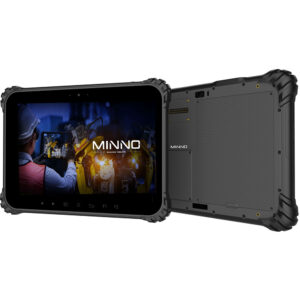
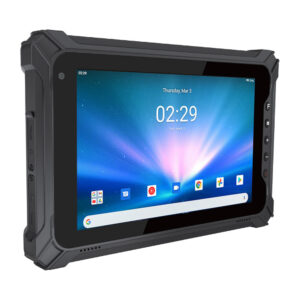
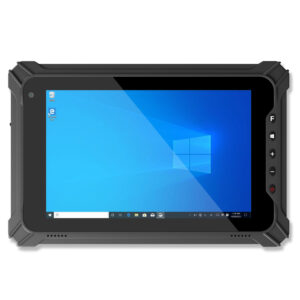
Obviously, you are going to need a tablet to become your register wherever you use it. POS solution providers may offer the option to purchase tablets, but consider buying your devices separately. Benefits may include:- Lower cost of the device
- Ability to mobilize & access unique features of your enterprise platform, such as inventory, style choices, weblinks, coupons, or product demos
- Expanded memory capacity and battery life
- Ruggedization or enhanced screen features for outdoor or “active” environments such as tradeshows, fairs, or festivals
Credit Card Reader
From basic magstripe card readers to those that accept both chip and swiped cards, you will be able to choose from a wide range of readers according to your needs. Some integrate seamlessly with multiple POS systems, and proprietary readers may only work with a specific POS system. Most universal readers are small, lightweight, and plug into your device’s audio jack or USB port. Others can be a part of an all-in-one terminal fitting or partially wrap the tablet for durability. More sophisticated, higher-end credit card devices can offer NFC and EMV functionality, which allows mobile payments from Android Pay, Samsung Pay, Apple Pay, and other systems.POS Mobile App
Most POS system vendors offer their own tablet POS apps with everything required to set up a primary POS system. While some vendors offer setup services, generally set-up is simple and intuitive. Some businesses will also need additional equipment, including a table-top stand, cash drawer, and printer.The Supporting Hardware You Need
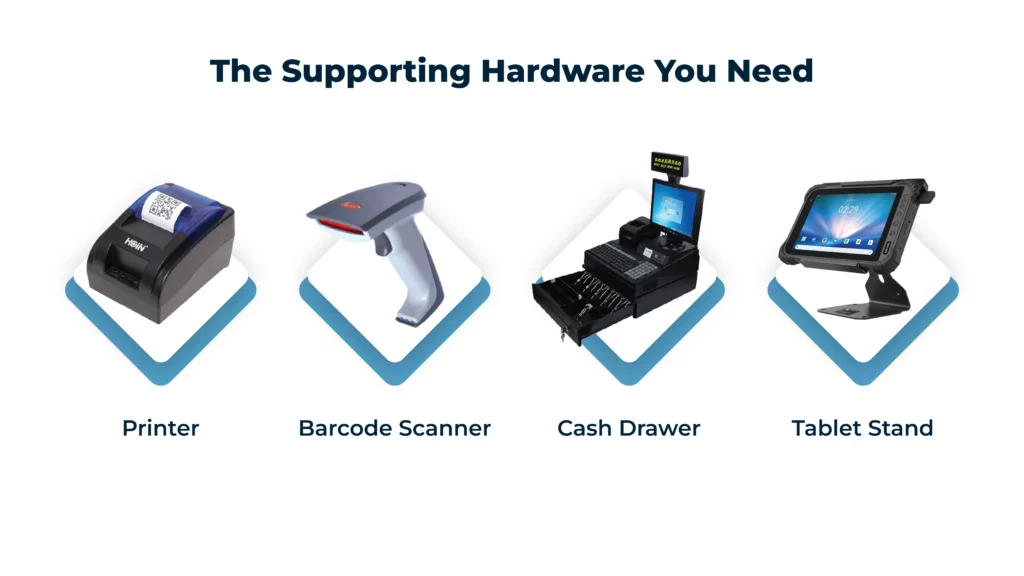 While the core setup is simple, the right supporting hardware can make your POS system more efficient, reliable, and suited to your day-to-day operations.
- Printer
- Barcode Scanner
- Cash Drawer
- Tablet Stand
Internet Requirements
A majority of POS systems require a stable internet connection, so you will most likely need your standard networking equipment with a wireless node or hotspot. Not all POS systems are the same, and making the right decision when choosing the one that fits your business is very important. Turning your tablet into a point of sale system is relatively easy, regardless of your industry. It simplifies transactions for both you and your customers, and it saves you time and money. Mobile POS systems are a simple and effective solution for your business, and it all starts with choosing the proper equipment and vendors.Find the Right Tablet POS Setup for Your Business
 Every business has different demands, whether you’re managing high-volume transactions, working in fast-paced environments, or operating on the move. Your POS system should be built to support that, not limit it.
From choosing the right tablet and processing power to selecting compatible accessories like card readers, scanners, and printers, the details matter. The right combination can improve speed, reduce downtime, and create a smoother experience for both your team and your customers.
That’s where a tailored approach makes the difference. Instead of settling for a one-size-fits-all setup, you can build a solution that aligns with how your business actually runs.
Speak with a specialist to find the right tab for your business.
Every business has different demands, whether you’re managing high-volume transactions, working in fast-paced environments, or operating on the move. Your POS system should be built to support that, not limit it.
From choosing the right tablet and processing power to selecting compatible accessories like card readers, scanners, and printers, the details matter. The right combination can improve speed, reduce downtime, and create a smoother experience for both your team and your customers.
That’s where a tailored approach makes the difference. Instead of settling for a one-size-fits-all setup, you can build a solution that aligns with how your business actually runs.
Speak with a specialist to find the right tab for your business.

Minno stands for Mobile Innovation and Value
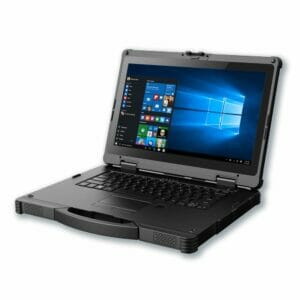
Minno is a privately held manufacturer of full-featured, high-performance rugged tablets (Android and Windows) and custom-designed or branded tablets for industry, education, and governments sold B2B in volume at prices well below retail brands. Minno rugged tablets are designed for high performance, durability, reliability, and versatility. Our tablets will change how your business operates and deliver value to customers by delivering productivity, efficiency, and business agility.